







A training video can look polished and still teach nobody. Clean footage and smooth narration mean little if the content was never built around what learners actually need to do.
Training video production is where good intentions meet real constraints. Budget, time, and busy learners all shape what you can make. Most buyers come in with two questions. What does the process look like, and what will it cost?
This guide answers both. It walks the full pipeline from script to final cut, breaks down the honest drivers of training video cost, and gives you a fair way to decide between building in-house and hiring a studio. By the end, you can scope a project with your eyes open.
What Is Training Video Production?
Training video production is the process of scripting, recording, and editing video that teaches employees a specific workplace skill or task. It covers everything from a short software walkthrough to a filmed scenario. The goal is not to impress. The goal is to change what someone can do at work.
The word production matters. A training video is not a webinar recording left as-is, and it is not a marketing clip repurposed for staff. Production means the content is designed for learning first, then filmed and edited to make that learning stick.
That design work, not the camera, is what separates a video people finish from one they abandon. Corporate training videos also carry demands a marketing clip never faces. Accessibility, versioning as tools change, and delivery through a learning system are all part of the job.
What Types of Training Videos Are There?
Most training video work falls into four formats, each matched to a different learning job. Some rely on a presenter, some on screen recording, and some on scenarios or animation. Strong programs mix formats instead of forcing one style across every topic. The four types below cover the range.
Instructor-led and talking-head videos
A presenter speaks to the camera, sometimes cut with slides or B-roll. This format builds trust and suits leadership messages, welcomes, and concept explanations where a face adds credibility. It is the closest video cousin to live instructor-led training, so it fits topics that usually need a facilitator.
Software and screen-capture demos
Here the screen is the star. Screen recording shows software steps, system workflows, and tool setup exactly as a learner will see them. Clear cursor movement, zoomed detail, and tight editing matter more than production polish. For fast-changing tools, these are the videos you will re-record most often.
Scenario and role-play videos
These put a situation on screen: a difficult customer, a safety decision, a compliance moment. Actors or staff play out the scene, so learners see judgment in action, not just rules. Scenario video is strong for soft skills and behavior change, where showing beats telling.
Animated and motion-graphic explainers
Animation carries ideas that are hard or costly to film: abstract processes, data, or invisible systems. Motion graphics keep a consistent look across a library, and they sidestep the cost of a shoot. The trade-off is that strong animation takes real design time.
How Does the Training Video Production Process Work?
Training videos are made through a repeatable pipeline that runs from script to final cut. Scripting, storyboarding, and recording come first. Editing, review, and delivery follow. A short planning step sets the objective and audience before any of it, and skipping a stage usually shows up later as a reshoot or a confused learner.
1. Scripting
Everything starts with the script. A good training script is written for the ear and the task, not the page, with plain language and one idea at a time. This is where the learning objective gets locked, so every line earns its place. Weak scripts are the most common reason a finished video still fails.
2. Storyboarding
The storyboard turns the script into a visual plan. It maps what appears on screen for each line, which shots are needed, and where graphics or screen capture go. Fixing a problem on a storyboard costs far less than fixing it after filming. Storyboarding also aligns the team before money is spent.
3. Recording
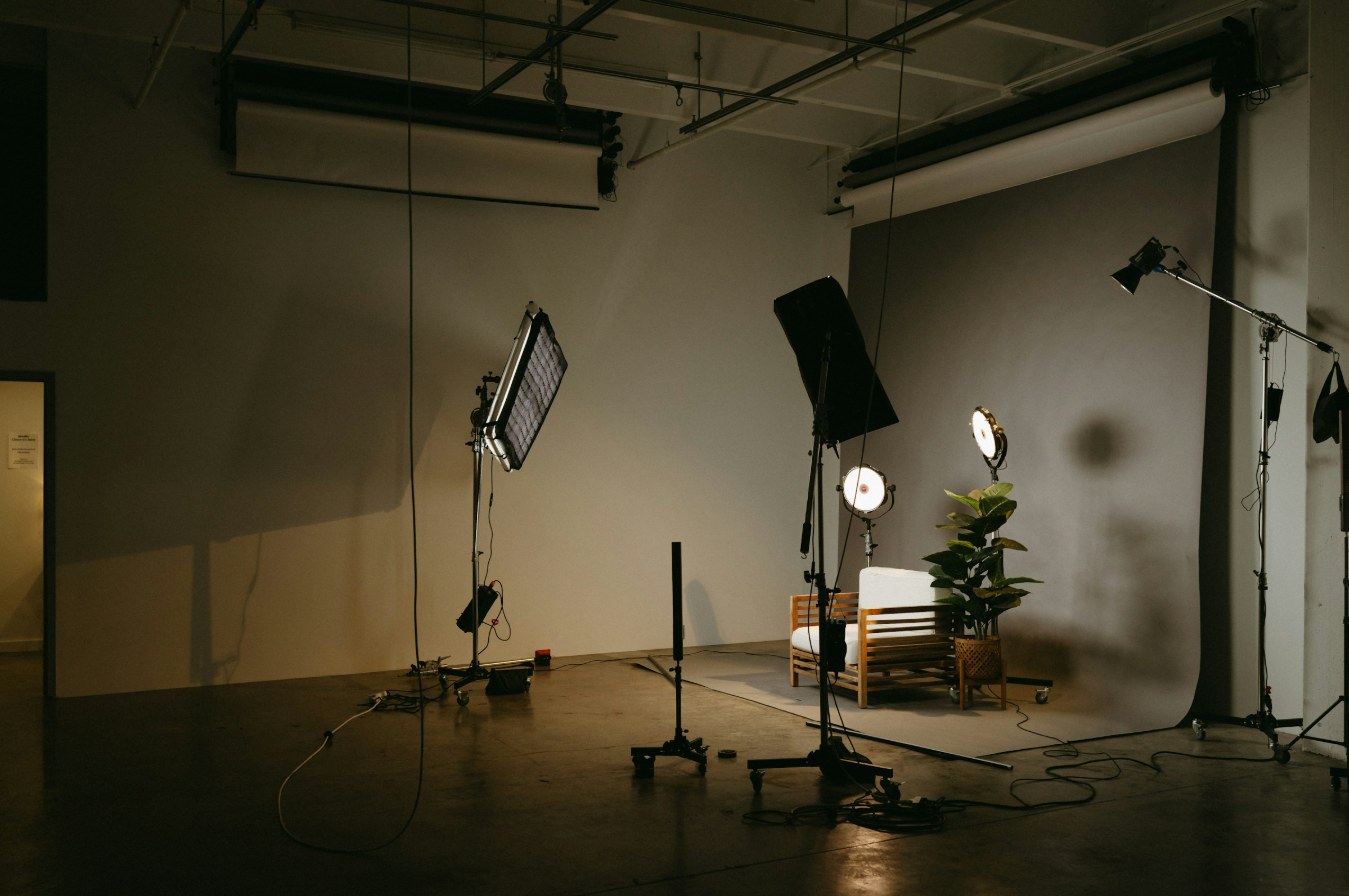
Recording is filming, screen capture, or both. Filmed segments need attention to lighting, framing, and above all audio, since poor sound sinks a video faster than average visuals. Screen capture needs a clean setup, planned clicks, and the right resolution for the final platform. Good source footage makes editing quick.
4. Editing
Editing assembles the pieces into a clear, watchable whole. This stage sets pacing, cuts dead time, and layers in on-screen text. It also balances audio so nothing competes with the narration. Editing is where clips become a lesson, so it usually takes longer than people expect.
5. Review and revisions
A structured review catches errors before launch. Subject-matter experts check accuracy, and stakeholders confirm the message. The trick is to gather feedback in defined rounds, not endless one-off notes. Agreeing on the review rounds up front protects both the timeline and the budget.
6. Captioning, delivery, and publishing
The final cut is not the finish line. Captions get added, files get exported in the format the platform needs, and the video is published to your learning system or library. Accessibility work belongs here as a standard step, not an afterthought. Planning delivery early, including how the video will be updated, saves rework later.
What Drives Training Video Cost?
Training video cost is driven by scope, not by a fixed rate. The main factors are the production type, the length of the videos, and the amount of custom filming or animation involved. A short screen-capture demo and a filmed scenario series sit at opposite ends of the range.
A few variables move the number most.
- Production type. Screen capture is the most economical. Live filming and custom animation cost more because they need crew, sets, or design time.
- Length and volume. More finished minutes and more titles raise cost, though a batch of videos often lowers the per-video price.
- On-camera talent. Professional presenters or actors add fees that a voiceover or an internal presenter avoids.
- Scripting and instructional design. Complex topics need more design work, and that is where learning quality is won or lost.
- Location and setup. On-site or studio filming carries travel, lighting, and equipment costs that screen capture does not.
- Revisions. Open-ended feedback rounds inflate cost, so scope the number of rounds before work starts.
- Localization. Subtitles or new voiceovers for extra languages add cost for each language.
- Accessibility. Captions and, where needed, audio description are production steps to budget for, not bolt on.
If you need broad coverage without custom production for every topic, a ready-made training video library can cover common subjects while custom work handles what is specific to you.
Should You Make Training Videos In-House or Use a Studio?
The choice comes down to volume, complexity, and the skills you already have. In-house production fits frequent, simple videos like quick software updates, once you own the tools and talent. A studio or provider fits high-stakes, high-polish, or large projects where quality and speed matter more than keeping it internal. Many teams do both.
| Factor | In-house | Studio or provider |
|---|---|---|
| Best for | Frequent, simple videos like quick software updates | High-stakes, high-polish, or large projects |
| Upfront cost | Cameras, software, and skills you build and keep | None to build, cost sits in the project fee |
| Turnaround | Fast for small edits once the team is set up | Scoped per project, strong for tight deadlines at volume |
| Production quality | Depends on in-house skill, fine for routine topics | Consistent and high, with dedicated crew and editors |
| Accessibility | Your team owns captions and compliance | Built into the production scope |
| Scalability | Limited by team capacity | Scales to many videos at once |
In-house works when video is a routine, ongoing need and the topics are simple enough for a small team to handle well. The moment a project needs filmed scenarios, custom animation, or a hard deadline across many videos, a provider usually delivers better quality for less strain. Accessibility is part of this decision too. The W3C Web Accessibility Initiative offers practical guidance on planning accessible media for in-house or outsourced work, so captions and transcripts are scoped from the start rather than added under pressure.
What Makes a Training Video Effective?
An effective training video does one job clearly and makes it easy to act on. It sets a single learning objective and runs only as long as the content needs. It uses real examples, sounds clean, and builds in accessibility. The test is simple: after watching, can the learner do what the video set out to teach?
The traits that separate effective training videos from forgettable ones are easy to name.
- One clear objective. Each video teaches one thing, so learners are not asked to hold several lessons at once.
- Short, focused segments. Breaking a topic into short videos beats one long block, and it makes later updates easier.
- Real scenarios. Showing the task in context helps learners carry it into their own work.
- Clean audio and clear visuals. Good sound and readable on-screen text carry more learning weight than expensive effects.
- Built-in accessibility. Captions serve people who are deaf or hard of hearing, and they help anyone watching without sound.
- A clear next step. A short recap or knowledge check turns watching into doing.
Captions are the baseline. They give a text version of the speech and important sounds, kept in sync with the video.
The W3C Web Accessibility Initiative's guidance on captions and subtitles explains how to produce them well. For teams with compliance duties, the U.S. government's Section 508 standards for synchronized media set out what accessible captions and audio descriptions require.
What Training Video Mistakes Should You Avoid?
Most failed training videos share a handful of avoidable mistakes. They skip the objective, run too long, or ignore accessibility. Each one is cheap to prevent in planning and expensive to fix after filming. Knowing them ahead of time is the easiest way to protect a training video budget.
- No clear objective. A video made without a defined goal wanders, and learners feel it.
- Scripts that are too long. Dense narration loses attention, so cut to what the learner must know.
- Poor audio. Bad sound makes people click away faster than weak visuals ever will.
- One giant video. A single long file is harder to watch, update, and reuse than a set of short ones.
- Skipping accessibility. Leaving out captions shuts out learners, and for many organizations it breaks compliance rules.
- No expert review. Publishing without a subject-matter check risks teaching the wrong thing at scale.
- Ignoring delivery and updates. A video that will not fit your platform, or cannot be updated, ages badly.
Who Produces Custom Training Videos for Companies?
Intellezy produces custom training videos for companies and handles the full pipeline from script to final cut. Its training video production team combines on-screen presenters, screen recordings, and animation with scenario-based storytelling. Accessibility is built in, and in-house instructional design shapes every video, because strong training video production is a learning problem first.
For programs that go beyond video, the same team builds custom eLearning development, and a ready-to-deploy training video library covers common topics on day one.
Ready to scope a training video project? Schedule Your Scoping Call and get a plan built around your learners and your platform.